Getting started with FPV on the DJI Avata 2: the step-by-step guide
Dreaming of immersive flight? The DJI Avata 2 is the best entry point into FPV. Gear, settings, first flights, safety: the complete guide to start off right.
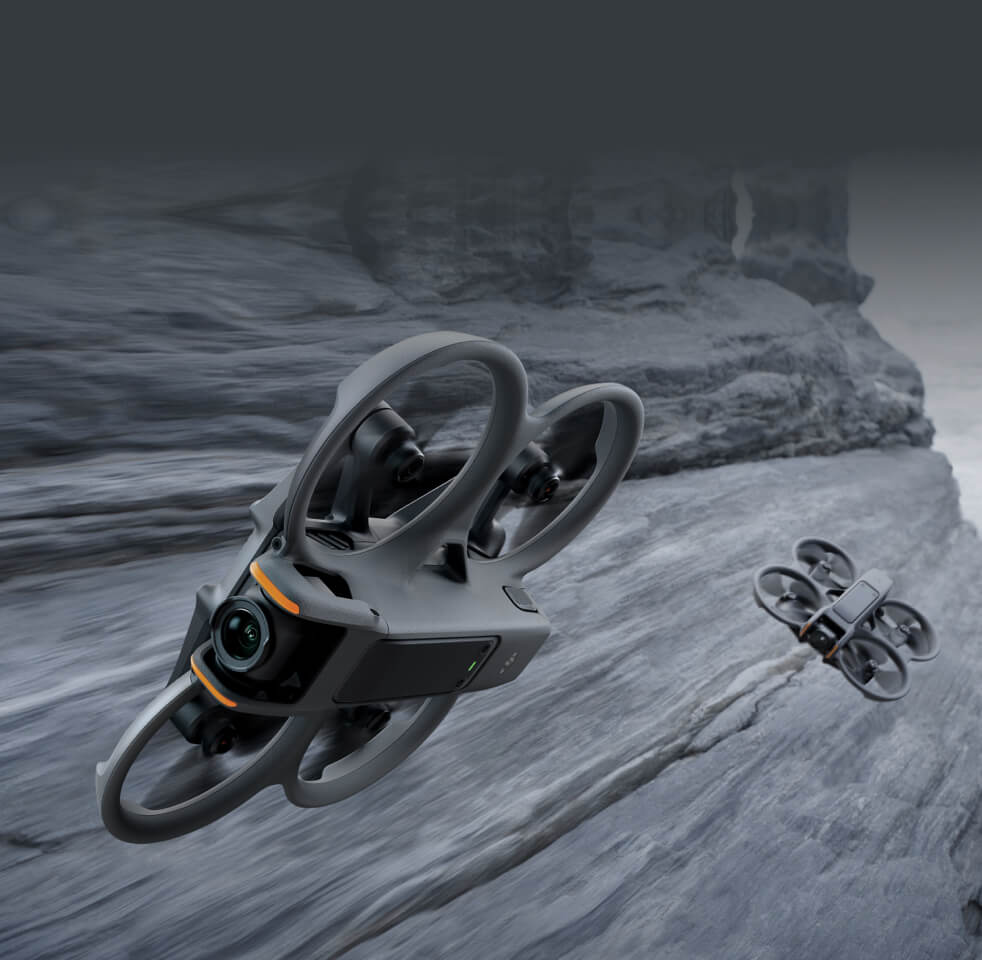
FPV (First Person View) offers a flying sensation like no other: you no longer watch your drone from the outside, you are inside it. Long reserved for insiders able to build their own machine, FPV has become accessible to everyone thanks to the DJI Avata 2. Here is how to get started with confidence.
Why the Avata 2 is ideal to start with
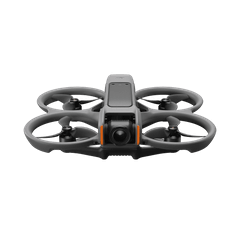
Unlike “racer” FPV drones that demand repair and manual-flying skills, the Avata 2 is a ready-to-fly package: stabilised and protected. Its propellers are fully shrouded: if it touches a wall or a branch, the drone bounces off instead of destroying itself. That is the detail that changes everything when you are learning.
The gear: what do you really need?
A complete FPV setup rests on three elements: the drone, goggles and a controller. DJI offers two flying philosophies.
- The RC Motion 3: a motion controller. You fly with a flick of the wrist and a trigger to accelerate. You get the hang of it in minutes — perfect for starting out.
- The RC FPV 3: a real twin-stick radio controller, for manual (acro) mode and total control. Save it for later.
- The Goggles 3: the immersive headset, with a front camera view to keep your bearings without taking them off.
Before the first flight: the checklist
- Update the firmware of the drone, goggles and controller via the DJI app.
- Charge every battery (drone + controller + goggles).
- Register with your national aviation authority and stick on your operator number (see our regulations guide).
- Check the weather: avoid strong wind and rain for your first flights.
- Choose an open space, far from people and no-fly zones.
The flight modes to know
- Normal mode: the drone stabilises on its own and brakes by itself when you let go. Ideal for learning.
- Sport mode: faster and more responsive, once you are comfortable.
- Manual (acro) mode: full control on all three axes, reserved for experienced pilots with the radio controller.
Spend your first ten hours in Normal mode. The temptation of Manual mode is strong, but it is also the best way to crash. FPV progression is a matter of patience.
Safety and good practice
In FPV, you cannot see your real surroundings. So the rule is strict: an observer at your side is mandatory to keep the drone in view. Also set up a well-configured “fail-safe” RTH (return to home), and always keep a battery margin to come back.
The best FPV pilot is not the fastest: it is the one who brings the drone back every single flight.
FPV is a passion built flight after flight. With the Avata 2, you have the most forgiving machine on the market to learn stress-free. And the day you want to renew your gear, our buyback programme will take back your old drone.
Frequently asked questions
Is the DJI Avata 2 suitable for beginners?
Yes, it is one of the best choices to start FPV: automatic stabilisation, protected propellers and motion control with the RC Motion 3 make learning accessible.
Do you need an observer to fly FPV?
Yes. Across the EU, immersive flight requires a second person (observer) who keeps the drone in direct view and can warn of any danger.
RC Motion 3 or RC FPV 3 to start with?
The RC Motion 3 (motion controller) to begin: instant handling. The RC FPV 3 (sticks) is for advanced manual flying.